
Feature
Develop.
Edit photos like a colourist without ever losing the original.
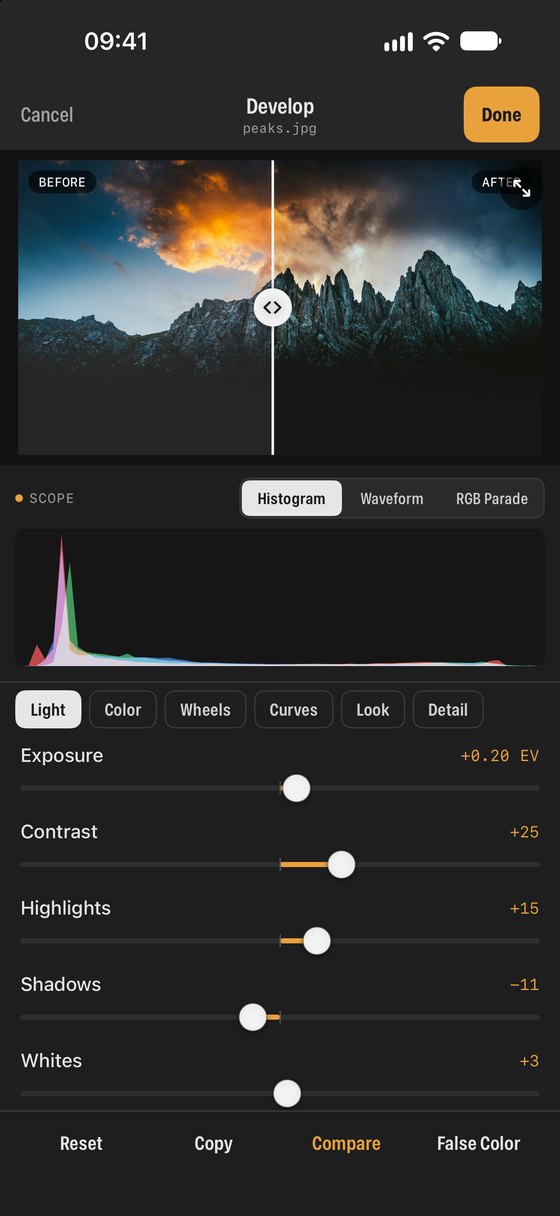
Develop is SEshot’s editor. It uses the same ideas as desktop colour grading software: work from broad corrections to fine colour, check the scopes, then add a look. Every change is a set of instructions stored next to the photo, so the original is never altered.
Adjustments
- Light: exposure, contrast, highlights, shadows, whites and blacks.
- Colour: temperature, tint, vibrance and saturation.
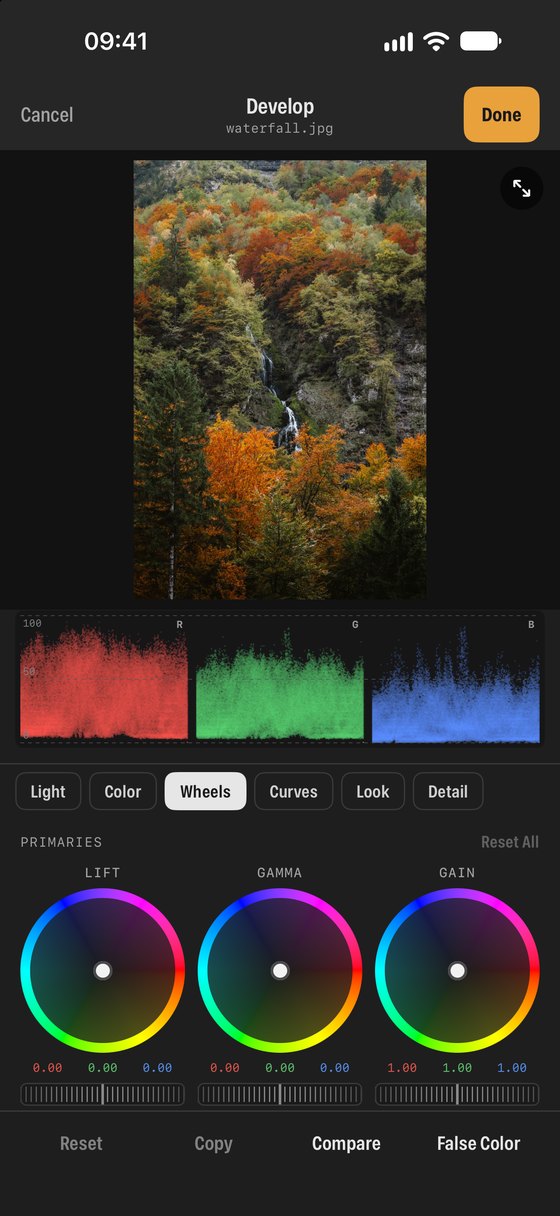
- Curves, colour wheels (lift, gamma, gain, offset) and detail.
- RAW files are developed from the original RAW data.
Looks
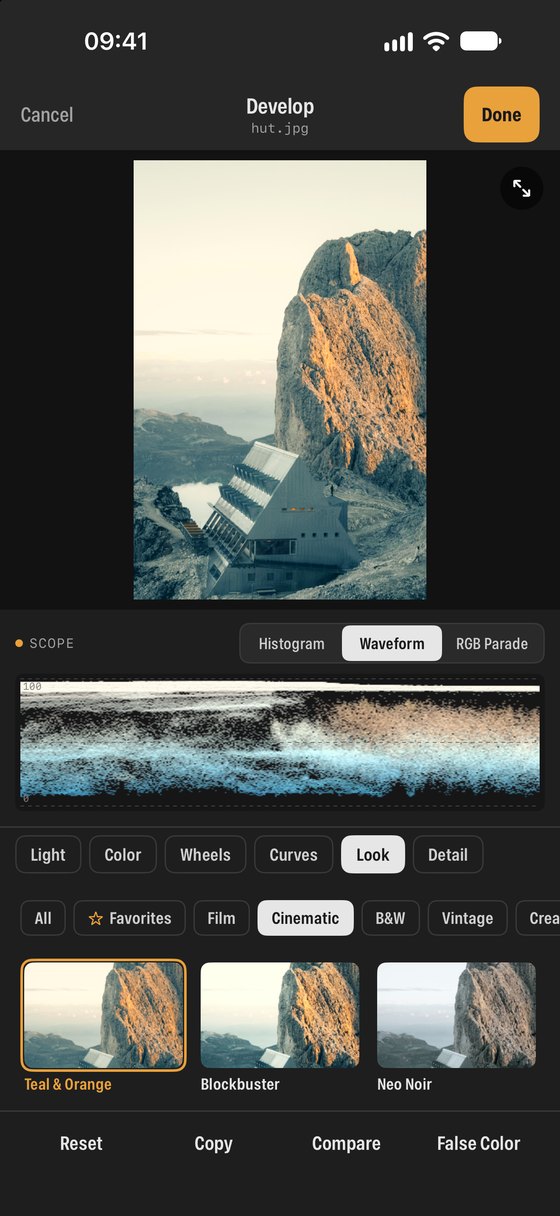
- Built-in looks in Film, Cinematic, B&W, Vintage and Creative styles, with adjustable strength.
- Import your own .cube LUTs; favourite the ones you use most.
Non-destructive
- Edits are saved the way Apple Photos saves them: change them any time or revert to the original.
- Copy adjustments from one photo and paste all or part of them onto others.
- Save as a new copy, or edit photos from your cloud storage and save them back.
The Develop tab
- Every photo you have edited in one place, newest first, with Continue Editing.
- Start a new edit from your library, the Files app or a cloud service.
The terms, in plain words
- Non-destructive
- SEshot saves your adjustments as a recipe, not new pixels. You can reopen a photo months later, change any slider, or go back to the original.
- Lift, gamma, gain
- Colour wheels for the shadows, midtones and highlights. Push a wheel towards a colour to tint that part of the image, for example warm highlights and cool shadows.
- Curves
- Reshape brightness and contrast precisely by bending a line, for the whole image or a single colour channel.
- Look
- A preset grade such as Warm Negative, Teal & Orange or Neo Noir. Use the strength slider to blend it with your own edit.
- LUT (.cube)
- A colour lookup table: a file that maps every colour to a new one. Cameras, colourists and apps like DaVinci Resolve export them; SEshot imports them.
- Copy and paste
- Copy an edit from one photo and paste all of it, or only some parts, onto others to keep a series consistent.
NextMade for video →