
Feature
Rate and label.
Mark your keepers as you browse, then find them again in seconds.
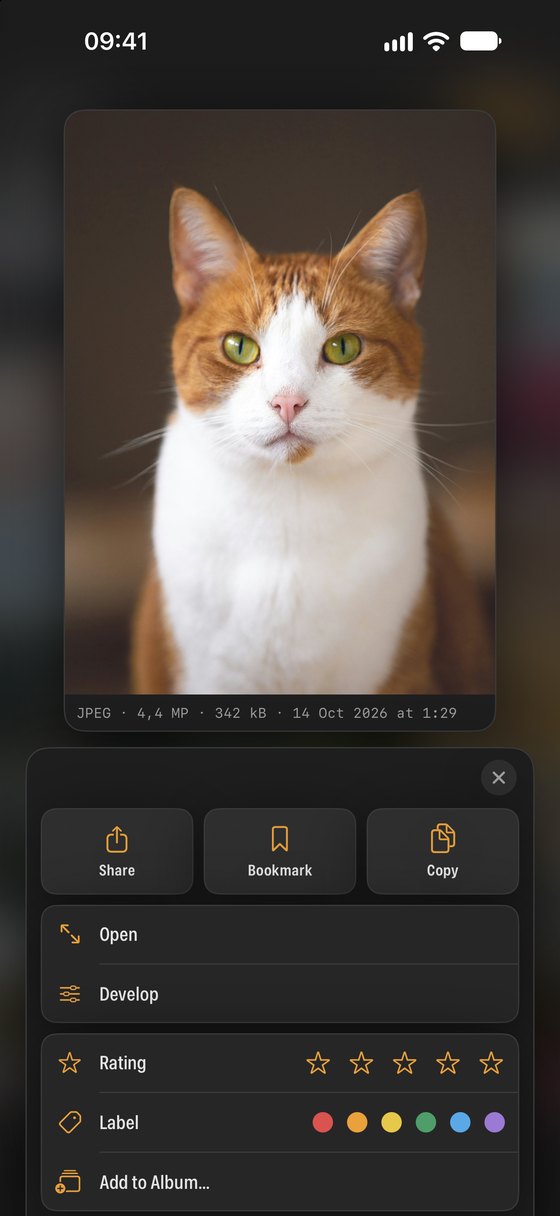
After a shoot you might have hundreds of near-identical frames. Ratings and labels let you mark the best ones as you swipe through, then hide everything else so you only see what matters.
Ratings and colour labels
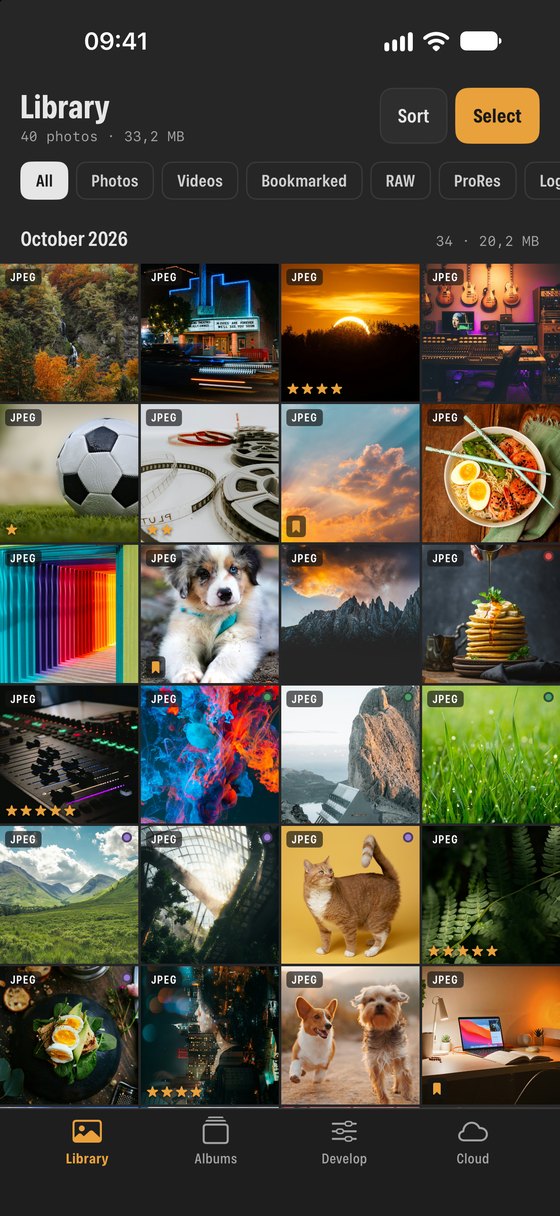
- Rate anything from one to five stars and add one of six colour labels.
- Stars and label dots show on every thumbnail, in your library and in the cloud.
- Set them from the viewer, the long-press panel, or for many items at once in select mode.
Find them again
- Sort by rating (best first) or by label, in sections.
- Show only the colours you choose with the label filter, or only photos rated four stars and up.
- Bookmark favourites; they stay in sync with the Photos app.
Private
- Ratings and labels are kept by SEshot on your device and never uploaded.
A simple way to cull a shoot
One approach many photographers use. SEshot does not force it on you; stars and labels mean whatever you decide.
- First pass
- Swipe through quickly and give one star to anything worth a second look.
- Second pass
- Filter to one star and up, then raise the best frames to three, four or five stars.
- Labels
- Use colours for purpose rather than quality: for example red for the client, green for your portfolio, blue to edit later.
- Deliver
- Filter by four stars and up or by a label, select everything and share, save or move it in one go.
NextDevelop →