
Feature
Read every shot.
See exactly how each photo and video was made, with the information photographers and filmmakers check every day.
Phone screens are bright and colourful, so a photo can look right on your iPhone and wrong everywhere else. SEshot shows the numbers behind each shot, so you can judge exposure and colour the way you would on a calibrated monitor.
Camera data
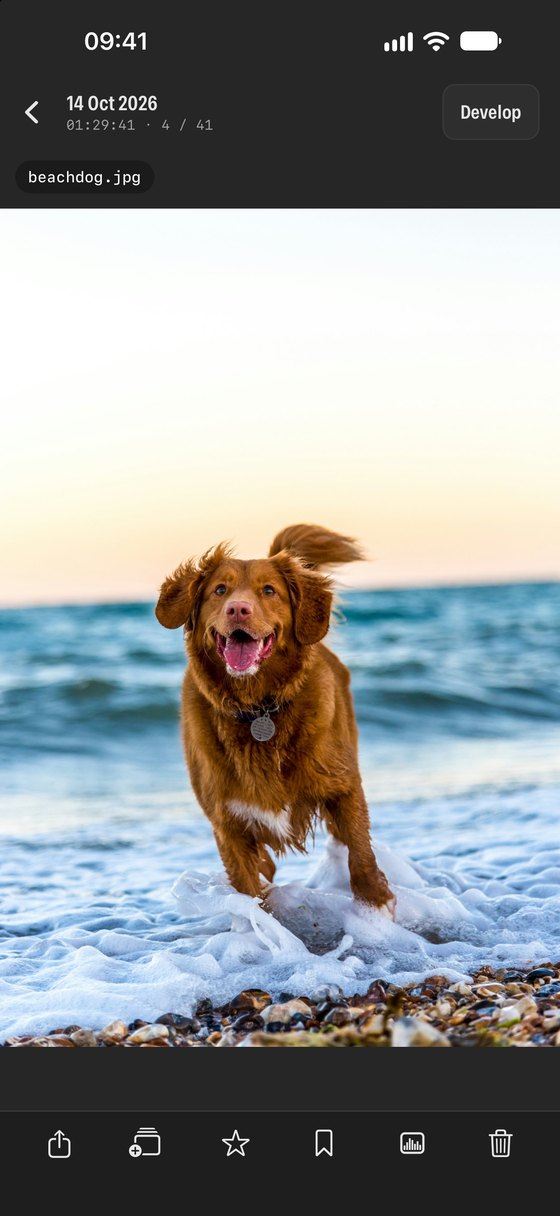
- Camera and lens, ISO, shutter speed, aperture, focal length and exposure compensation on every photo.
- File format, megapixels, dimensions and file size at a glance.
- A full details sheet with everything SEshot can read from the file.
Scopes
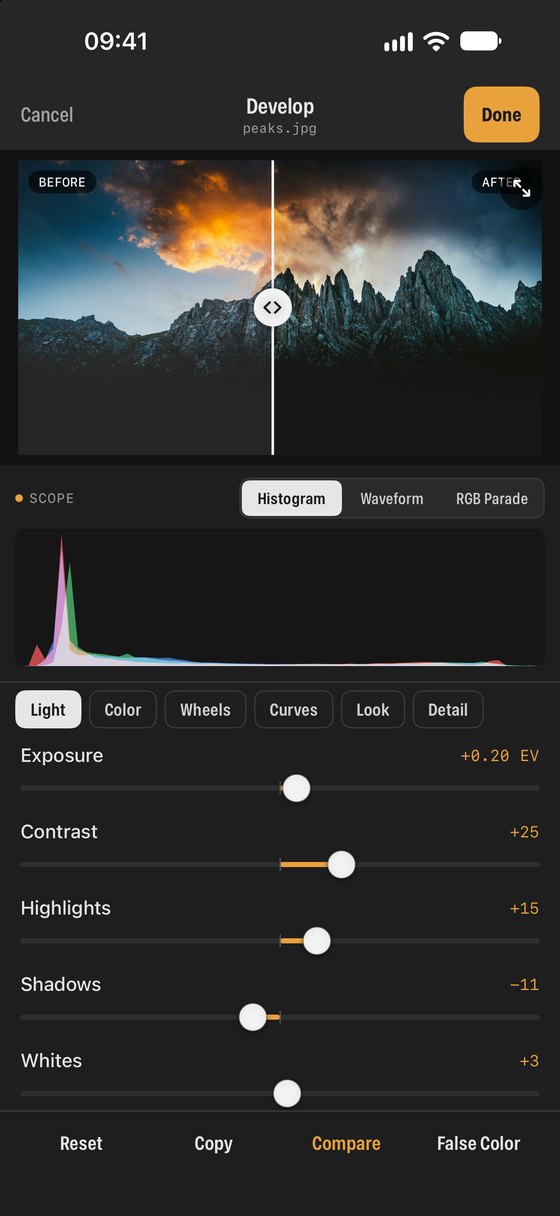
- Histogram, luma waveform and RGB parade in the Studio panel under the photo.
- Live scopes on videos while they play, drawn from the graded image.
- Choose your scope once; SEshot remembers it.
Viewing
- Tap a photo to show or hide its filename; turn your iPhone sideways and taps step through full screen, filename and controls.
- Swipe through photos and videos, zoom into details, and play GIFs and animated images.
- Works the same for files in your cloud storage.
What the scopes tell you
Three ways to see the same image as data. Pick one in the Scope bar; SEshot remembers your choice.
- Histogram
- How many pixels sit at each brightness, from black on the left to white on the right. A pile-up against either edge means lost shadow or highlight detail.
- Waveform
- Brightness laid out across the frame, left to right, on a 0–100 scale. It shows where in the picture something is too bright or too dark.
- RGB parade
- The waveform split into red, green and blue side by side. If one channel sits higher than the others in a neutral area, the image has a colour cast.
- Camera data
- Camera, lens, ISO, shutter speed, aperture and focal length, read straight from the file. Useful for learning what worked on a shoot.
NextRate and label →